
How to use BalanceSplit
A quick walkthrough from creating your first ledger to settling up with everyone.
Sign up or log in
Create a free account with email and password, or continue with Google, Apple, Microsoft, or Facebook.
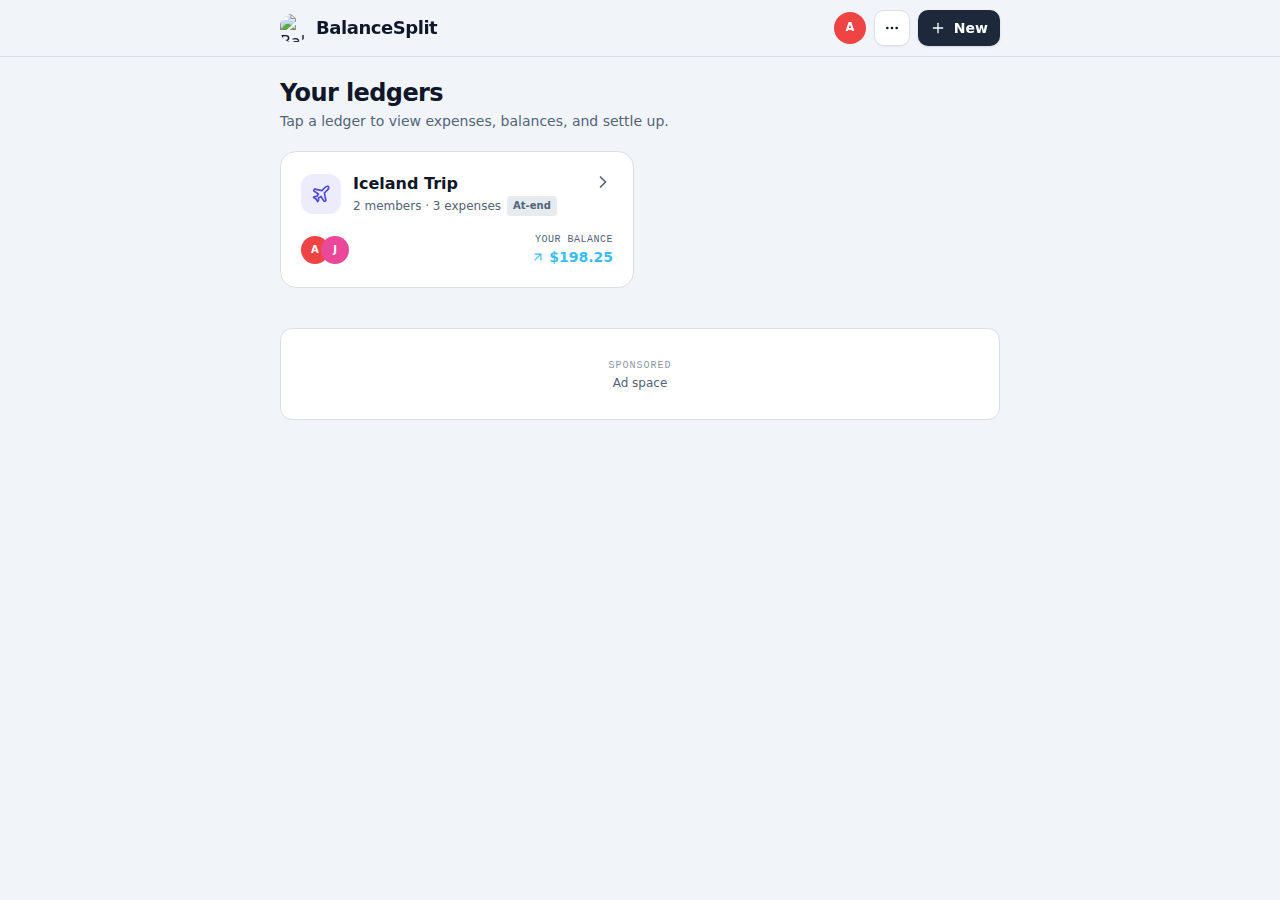
Create a ledger
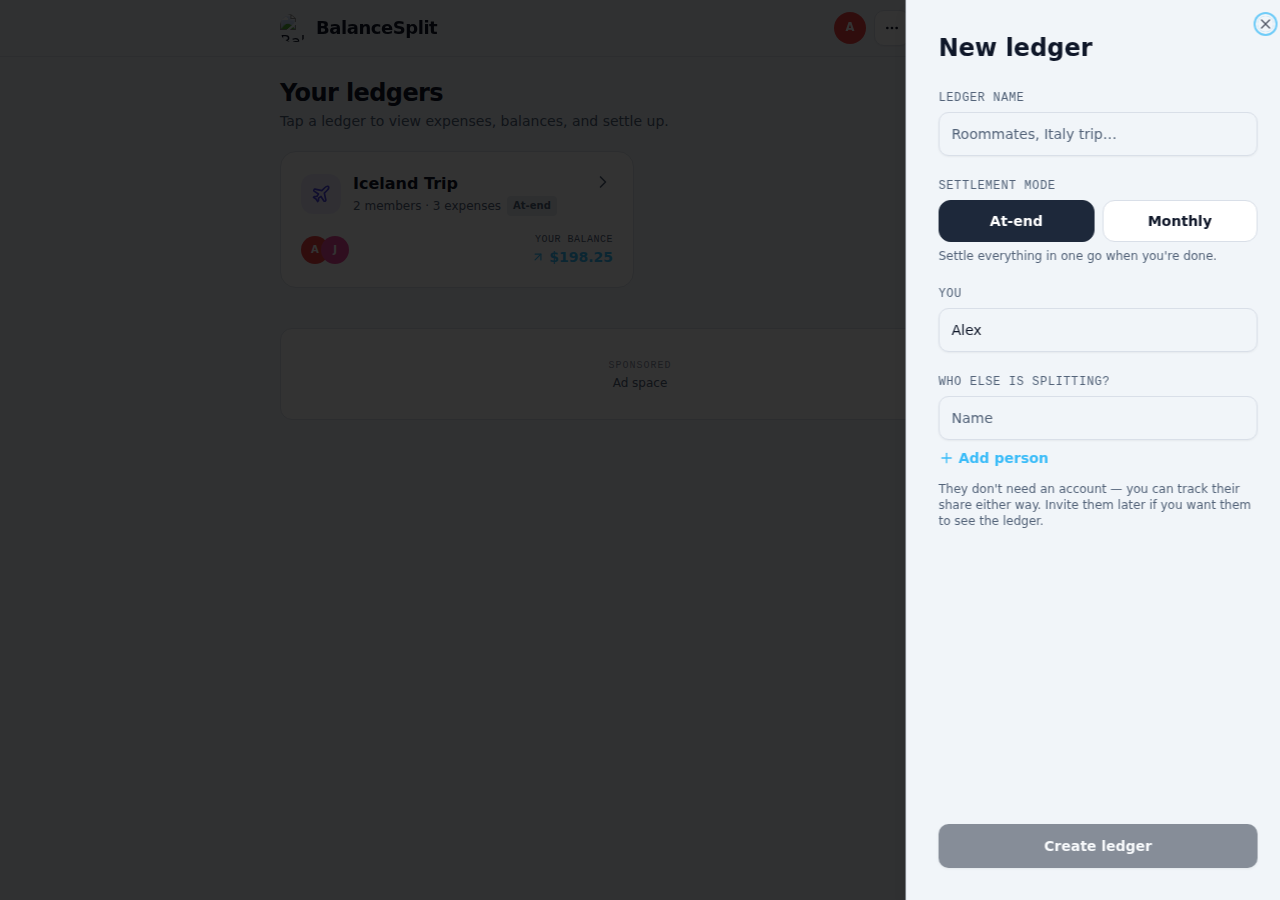
Name it, choose "At-end" or "Monthly" settlement, and add who's splitting costs. Anyone you add can be invited later — they don't need an account yet.
Open your ledger
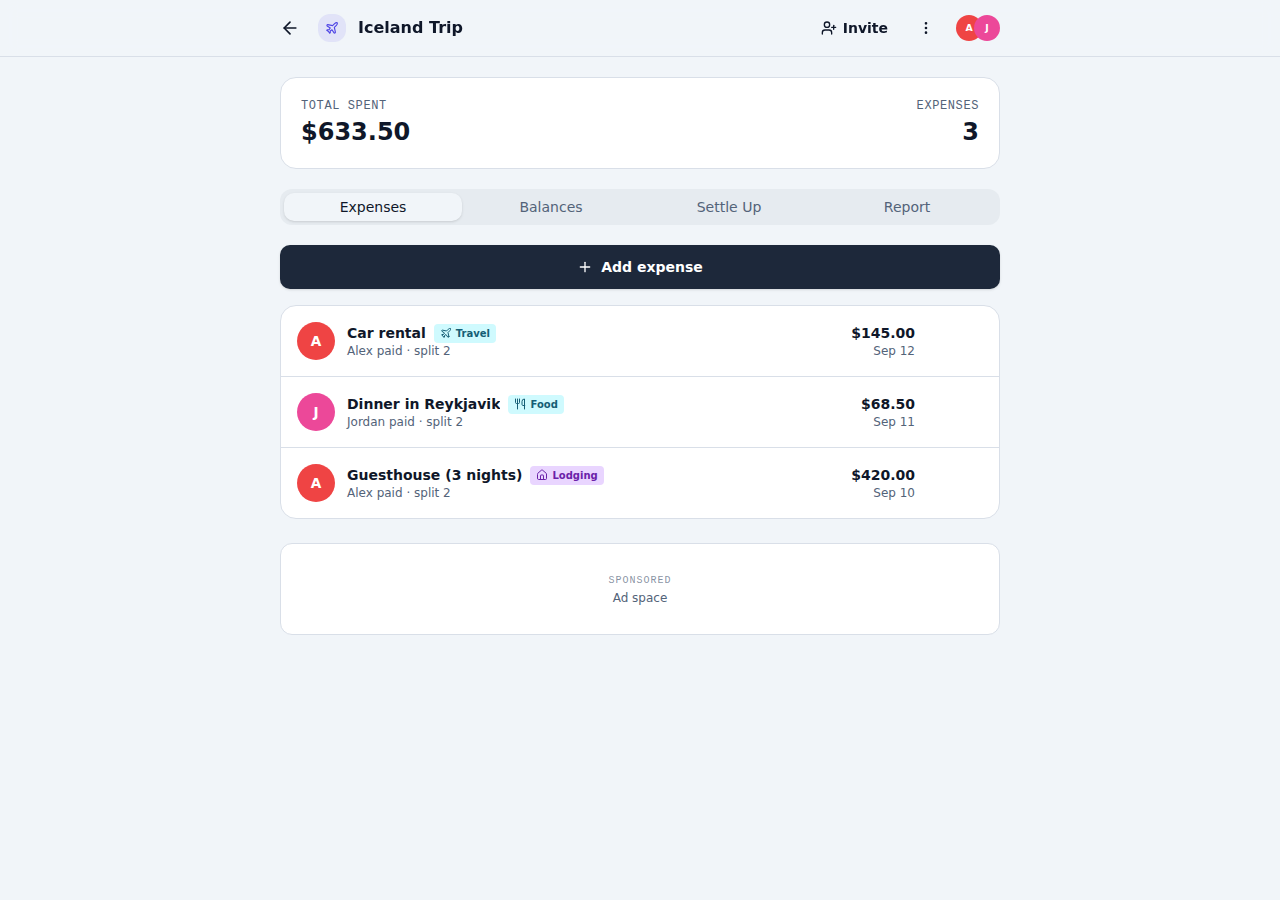
Every ledger shows the running total and its expense list first, with an "Add expense" button always one tap away.
Add an expense
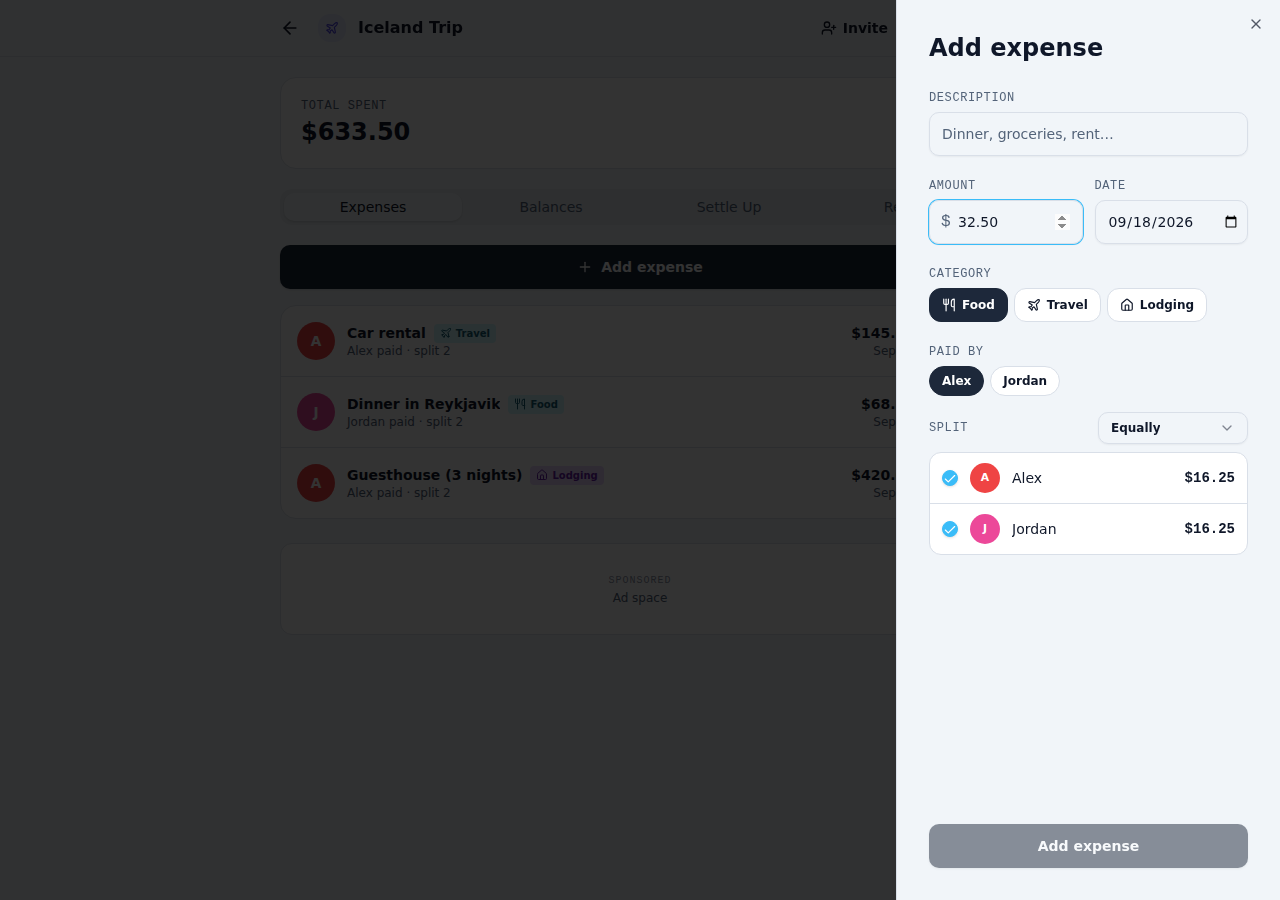
Log what was spent: description, amount, category, who paid, and how it's split — equally, by amount, percentage, or shares.
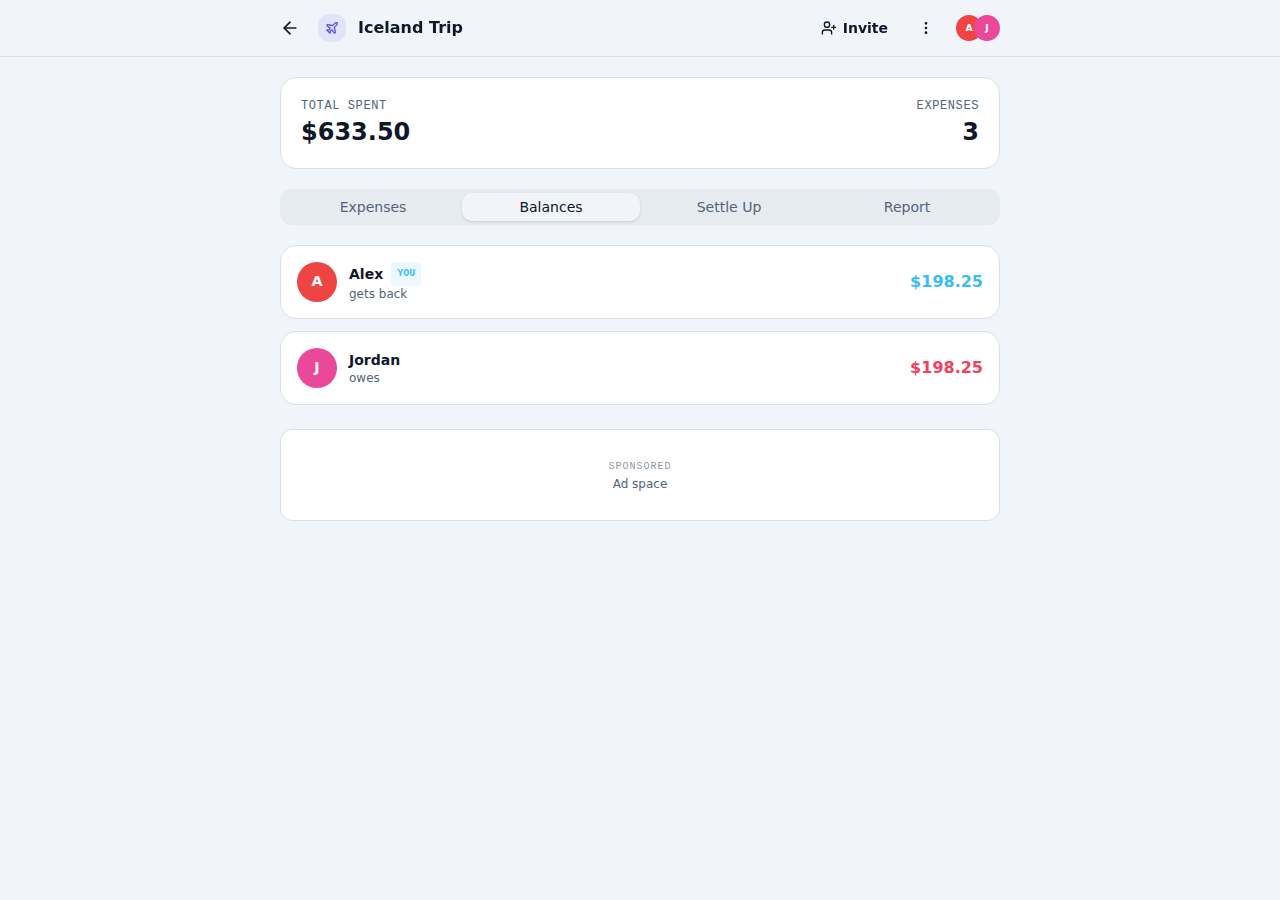
Check balances
The Balances tab shows exactly who owes who, net of every expense and payment recorded so far.
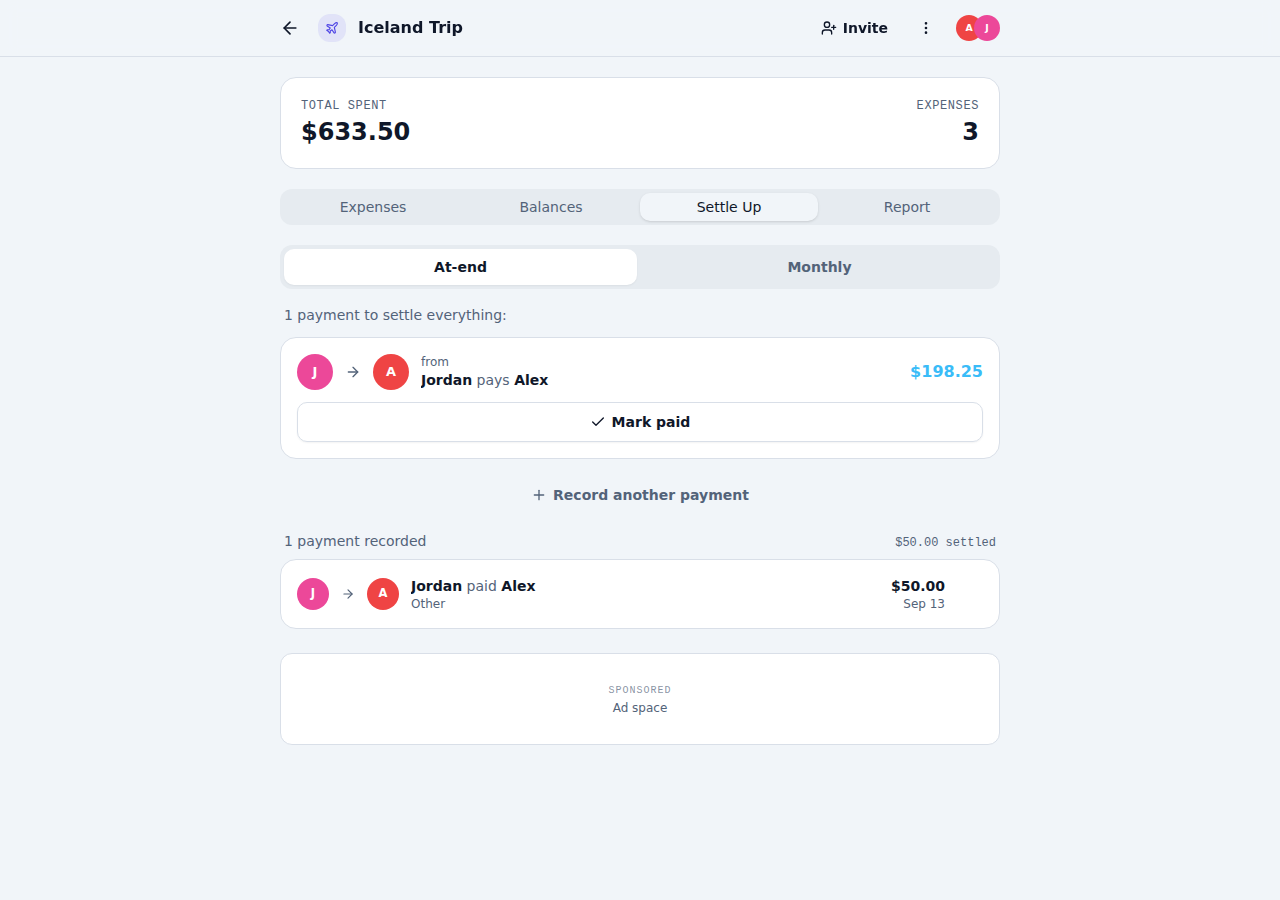
Settle up
The Settle Up tab minimizes the number of payments needed to zero everyone out. Mark a suggested payment as paid, or record one yourself.
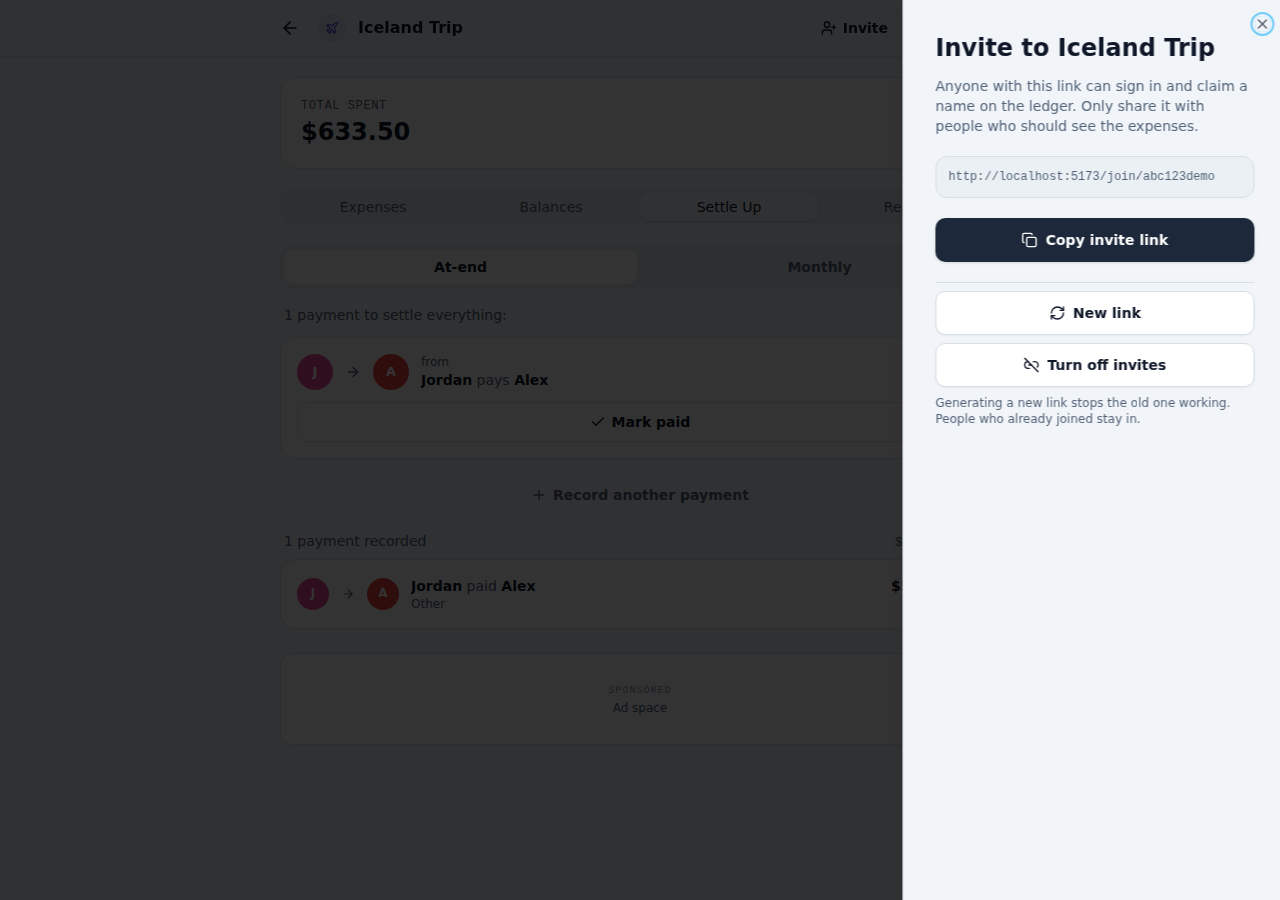
Invite others
Share the ledger's invite link so everyone can see expenses and balances. You can generate a new link or turn invites off at any time.
No spreadsheets. No IOUs. Just settled.
Create your first ledger in under a minute and split expenses the easy way.
Start splitting free